

Choosing an ecommerce platform is not a contest to find the longest feature list or lowest advertised subscription. The right platform supports your daily selling workflow within your budget and team’s capabilities. Build a shortlist around realistic tasks, then compare what works today with what would require extra services or development.
Start with the way you sell
Document product types, variants, languages and delivery needs. Identify who creates products, fulfils orders and handles support. These details turn a vague comparison into requirements that a platform demonstration can actually prove.
Prepare three scenarios: create a product with multiple variants, process an order to a different delivery region and update a page. Include unsuccessful payment or unavailable-stock cases. A polished sales demonstration may skip the operations that determine your daily workload.
Calculate total ownership cost
List subscription fees, applications, design, domain, payment charges, integrations and ongoing support. Separate fixed expenses from per-order charges. Check plan limits and whether a required integration is available for your country and account.
A higher plan will not necessarily fix an unsuitable workflow, and a lower headline fee may not produce a lower annual cost. Compare hypothetical order volumes before replacing them with your forecasts. Verify current pricing directly rather than relying on an old comparison article.
Test language and mobile checkout
Inspect text direction, readability, currency, address fields and error messages on a phone. Change a product variant and confirm that price, availability and images follow the selection. Translate more than the homepage before concluding that a multilingual store is ready.
Confirm that your preferred payment and delivery providers operate in your market and understand onboarding requirements. A carrier or payment logo on an integration page is not proof that your account is approved or every service is supported.
Check data access and operating controls
Ask how product and order exports work and what they contain. Review staff permissions, backup and recovery responsibilities, support coverage and migration options. An API label does not guarantee access to every administrative action or suitability for a custom integration.
For SEO, inspect editable page titles and descriptions, URL behavior, discovery of important pages and redirect options where needed. Test the actual workflow rather than accepting a general ‘SEO-friendly’ claim without supporting examples.
Score evidence rather than promises
Rate each requirement from zero to three: unavailable, extra work needed, partially working or scenario passed. Weight product management, checkout and fulfilment according to your business. Record both tolerable limitations and launch-blocking gaps.
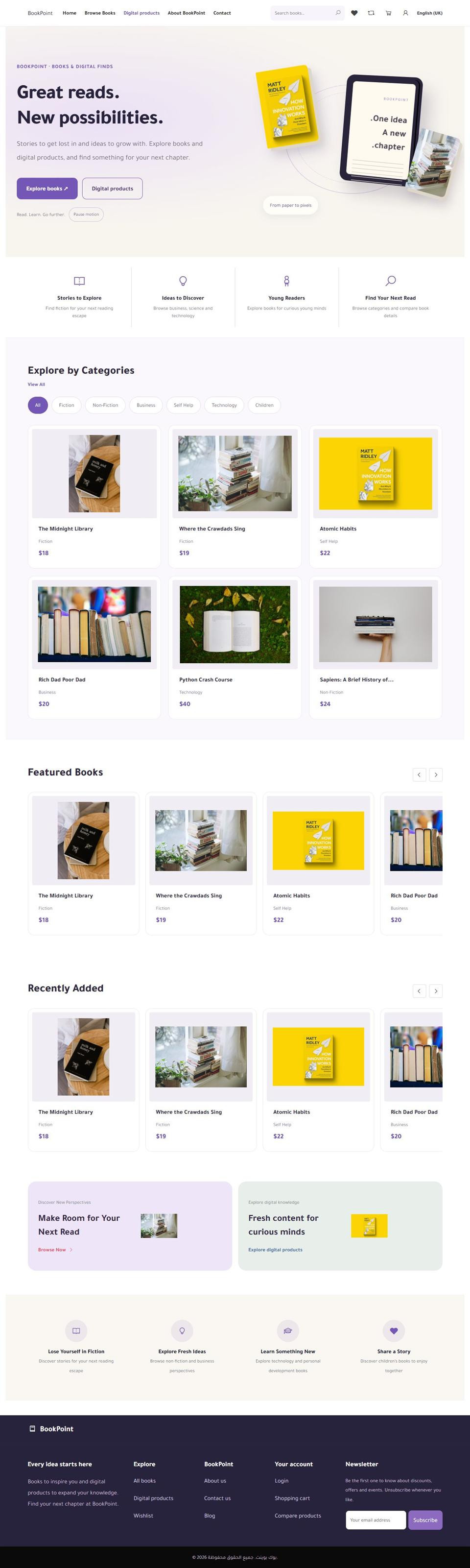
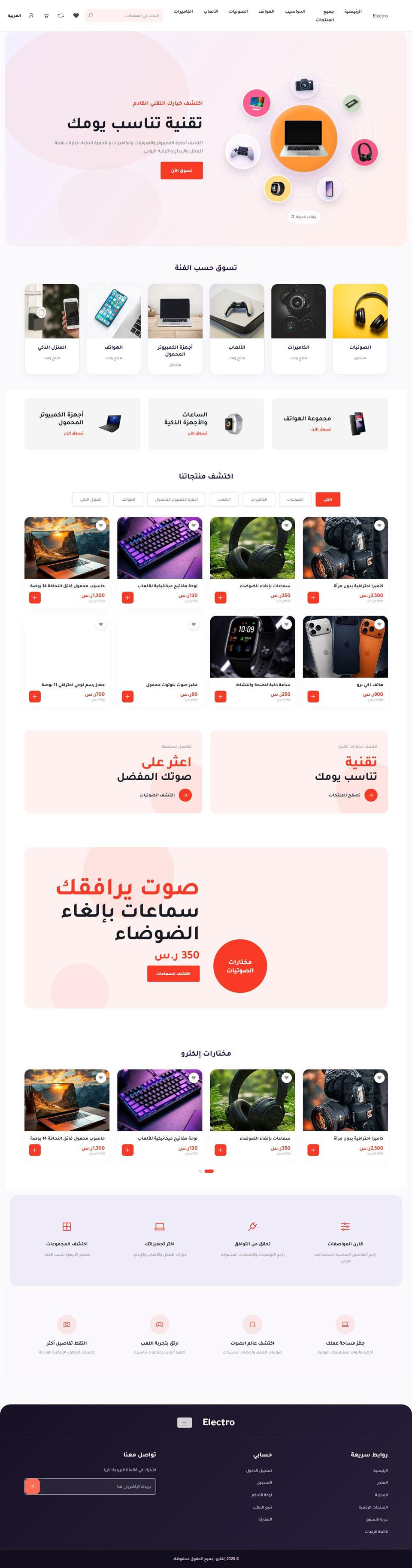
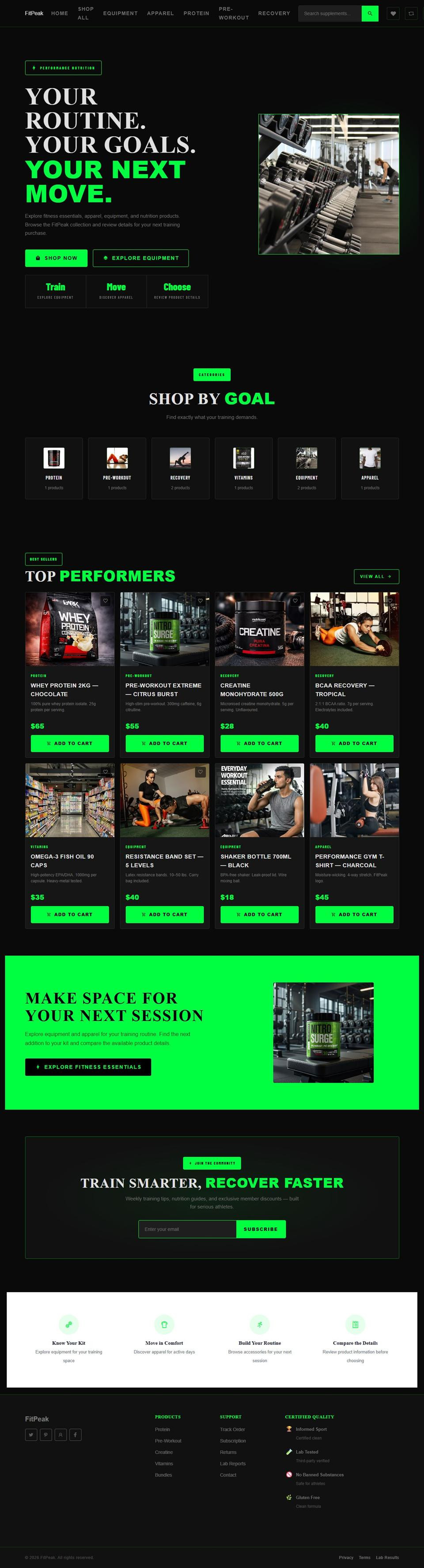
When evaluating Shopyzee, review available plans and themes and test your tasks inside an account. Do not build a launch plan around an unverified capability. Choose when essential workflows pass and costs, data access and responsibilities are clear—not simply when a theme looks attractive.
Take the next step with Shopyzee
Explore store themes and available plans and features. Choose one improvement, apply it and review the result. Features and integrations depend on plan, market and configuration.

























Sign In to Comment
Don't have an account Sign up